


Ask questions about your Cver AI platform in plain English. Get instant, data-backed answers — powered by DeepSeek V3, the Model Context Protocol (MCP), and an autonomous agentic reasoning loop.
Demo
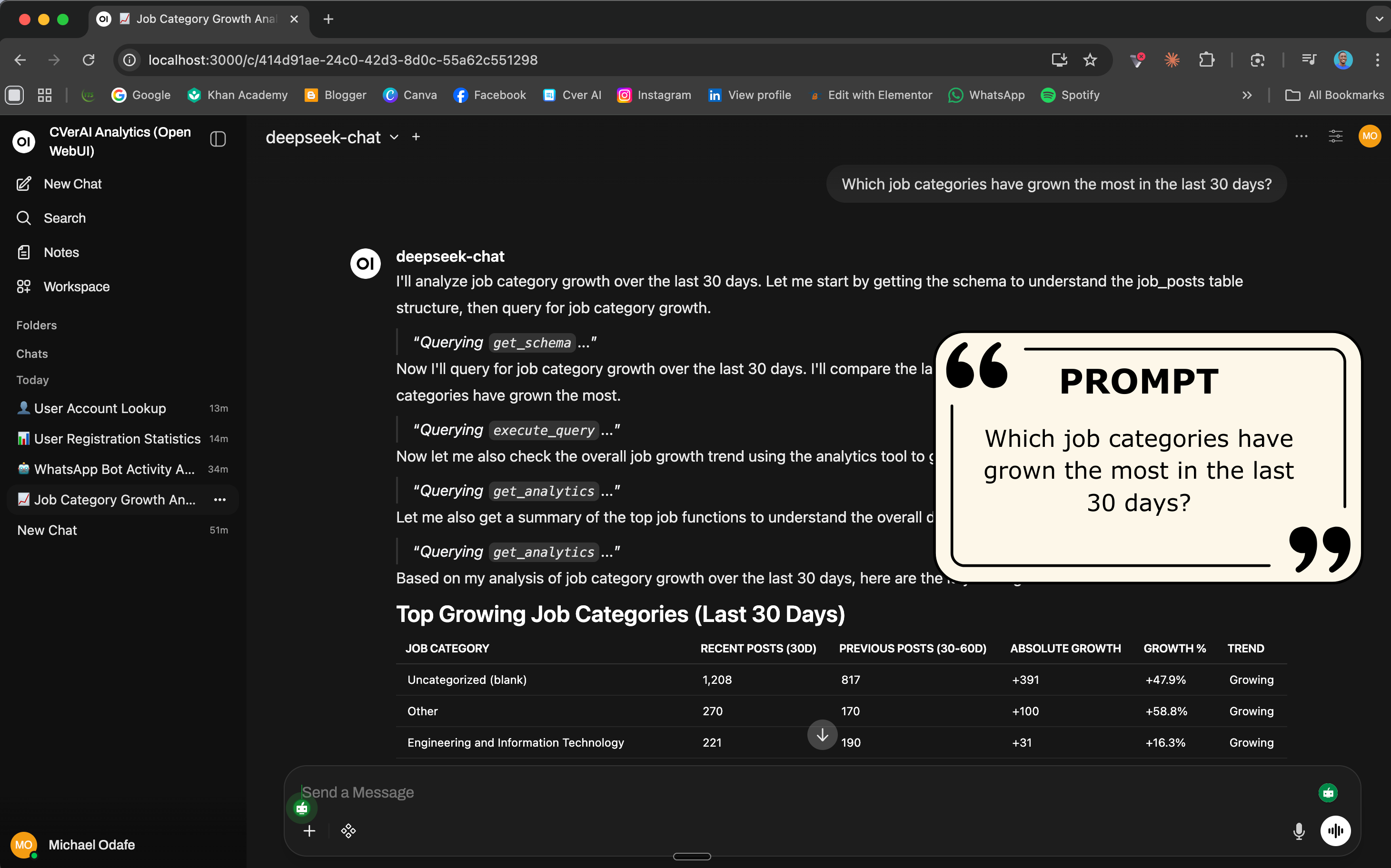
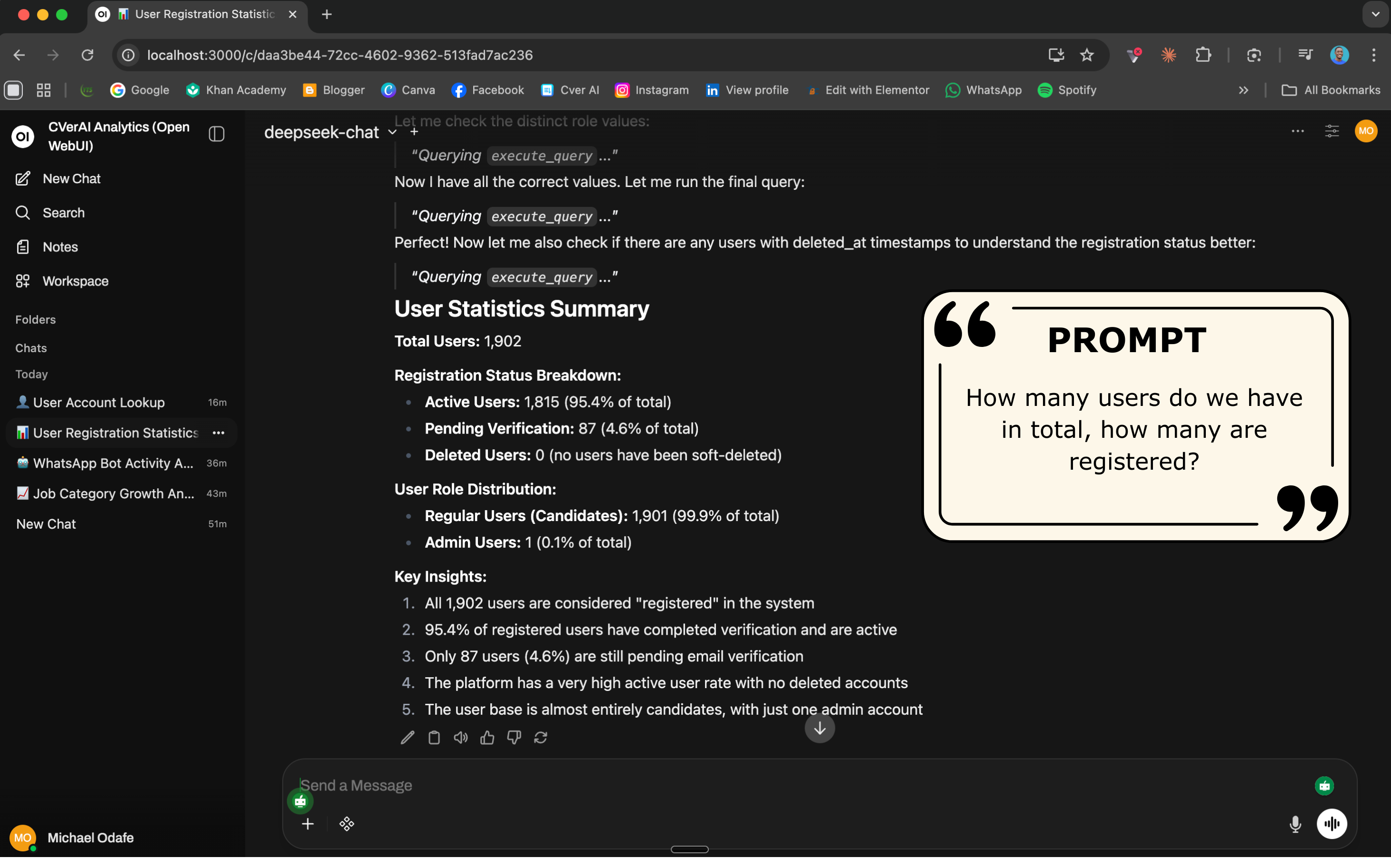
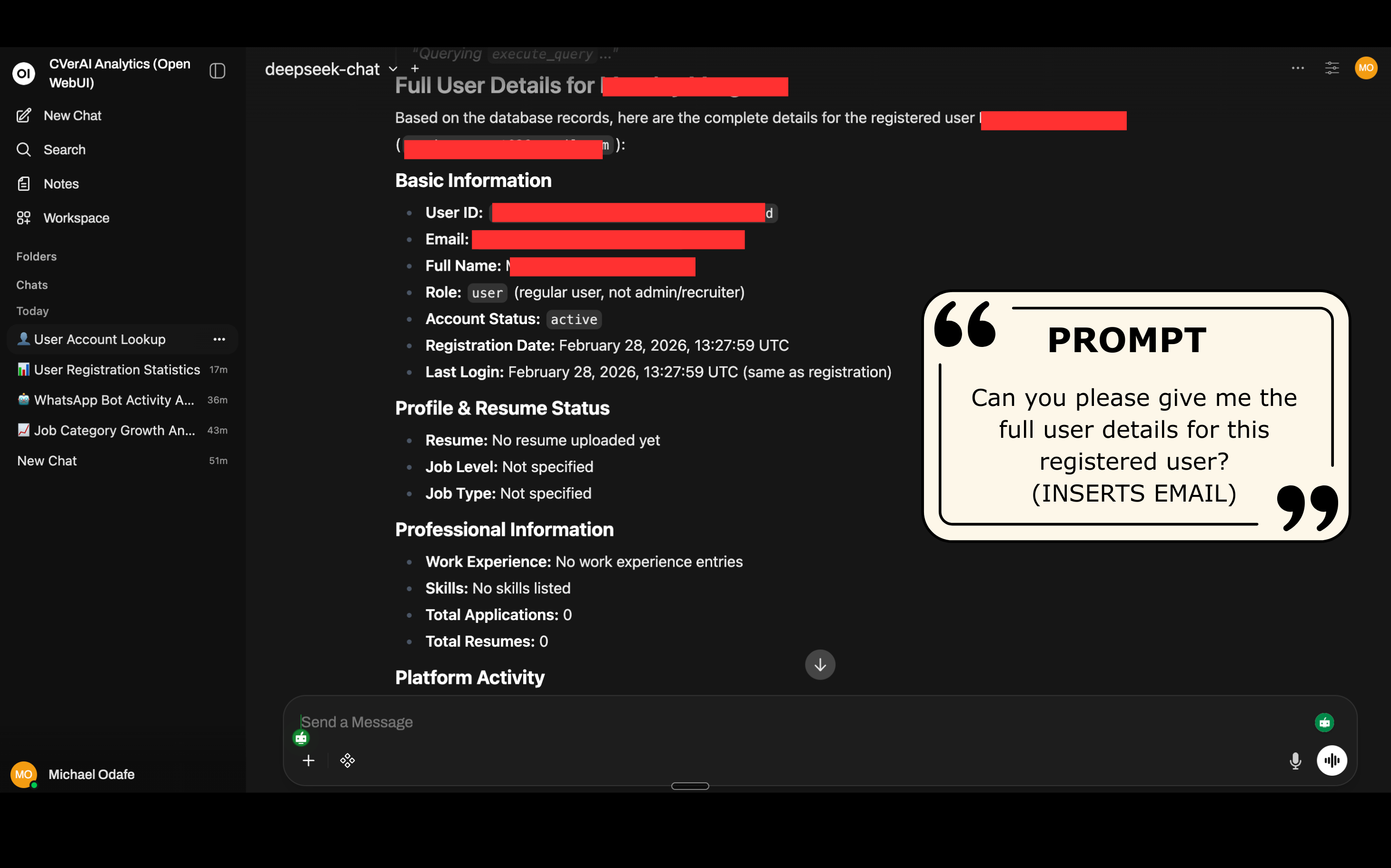
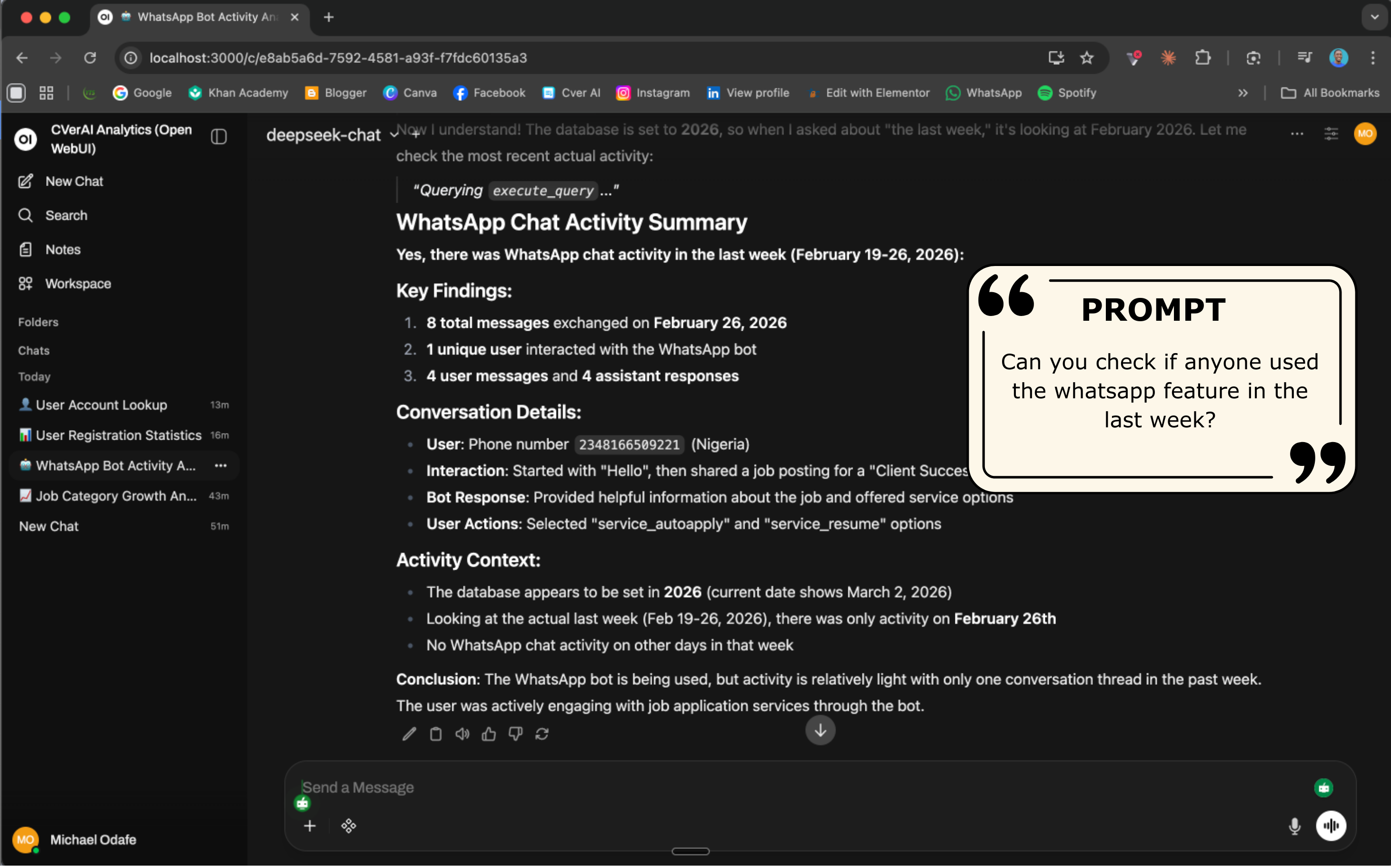
What This Project Does
Cver AI helps job seekers apply faster by auto-filling applications from WhatsApp and other platforms. This internal tool takes that a step further — it replaces manual dashboards with a natural language analytics assistant that:
- Receives a plain-English question through a chat interface
- Autonomously decides which database tools to call and in what order
- Writes and executes its own SQL queries against the live PostgreSQL database
- Synthesises a human-readable answer complete with tables and numbers
No hardcoded queries. No dashboards to build. Just ask.
MCP Tools
The system exposes four tools that DeepSeek V3 can autonomously call:
- get_schema — Introspects all tables or one specific table, returning column names, types, and live row counts
- execute_query — Runs any read-only SELECT query. SQL injection guards and a row-limit cap are enforced server-side
- search_whatsapp — Searches chat history by keyword, phone number, user ID, date range, or message role
- get_analytics — Eight pre-built metrics: job growth, user registrations, application funnel, top job functions, top skills, new users without CVs, WhatsApp volume, and daily job vs. user series
Sample Questions You Can Ask
Job Intelligence
- Which job categories have seen the highest growth in postings over the last 30 days?
- What is the average salary offered for Backend Engineer roles?
- Give me a daily breakdown of new job postings vs. new user registrations for the past 14 days.
User Analytics
- List all users who registered in the last 48 hours but haven’t uploaded a CV yet.
- What is the conversion rate from registered user to job applicant this month?
- Find users who applied for a job today — what was their most recent job title?
WhatsApp Insights
- Summarise the main reasons users reached out via WhatsApp over the weekend.
- Are there recurring keywords in today’s WhatsApp messages that suggest a bug?
- Cross-reference users who messaged on WhatsApp today with their last job application.
Tech Stack
- Chat UI: Open WebUI
- API Bridge: FastAPI + Uvicorn
- AI Model: DeepSeek V3 via DeepSeek API
- Tool Protocol: Model Context Protocol (MCP) — streamable-http transport
- MCP Framework: FastMCP
- Database: PostgreSQL via asyncpg (async)
- Containerisation: Docker Compose
Security & Design
- Read-only database access — only SELECT and WITH queries are permitted; DROP, DELETE, INSERT, and other write operations are rejected server-side
- No credentials in code — all secrets are passed via environment variables
- Row cap — execute_query enforces a configurable row limit (default 500, max 2000) to prevent runaway queries
- MCP boundary — the AI model can only interact with the database through the four defined tools; no direct database access
View on GitHub
The full source code, architecture diagrams, setup instructions, and Docker Compose stack are available on GitHub. Clone it, point it at your own PostgreSQL database, and start asking questions instantly.